Seatback screens freeze, and phone apps need a signal. Windowseat works everything out on the watch, so it keeps going over the ocean.
Works in the air
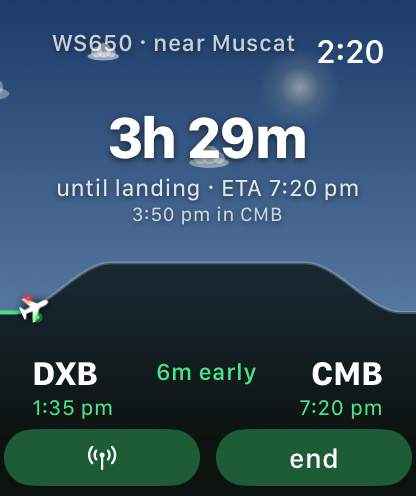
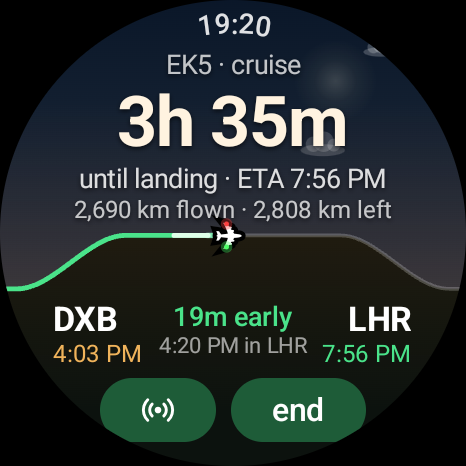
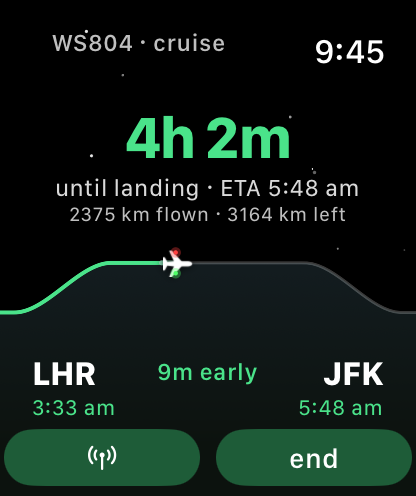
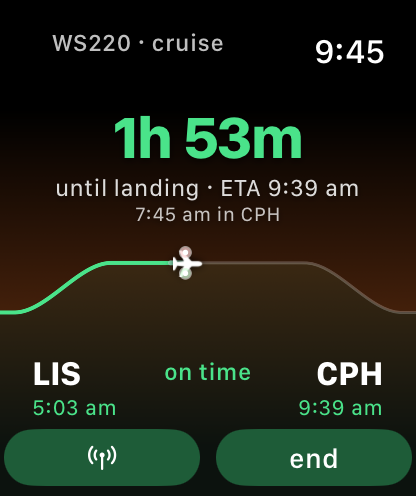
Set it up at the gate. Once you're airborne, progress and ETA come from the clock and the watch's own sensors, with no data needed.
Reads the cabin
The barometer follows the cabin's pressure curve to spot climb, cruise and descent. When you start down, the ETA tightens.
Window-seat GPS
One tap takes a GPS fix by the window to pin your real position and measure your ground speed.
Live when there's Wi-Fi
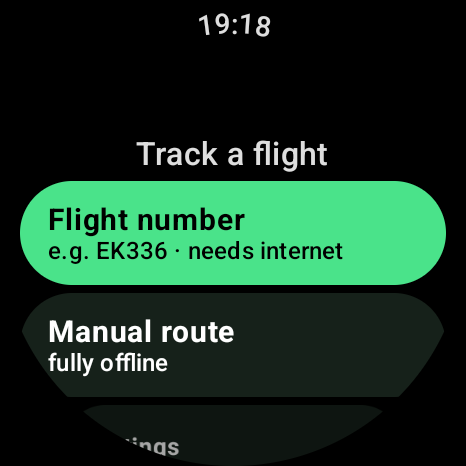
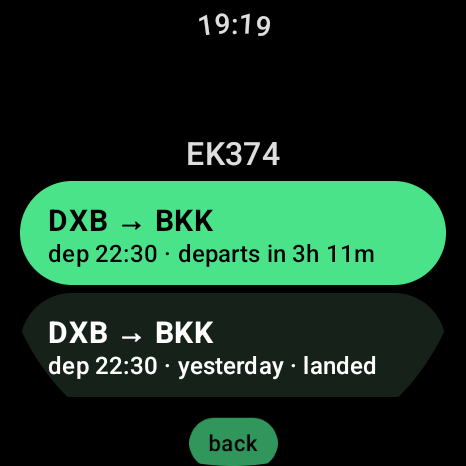
On any connection, revised and runway times refresh by themselves, and before boarding you see your terminal, gate and aircraft. No account, no setup.
The sky outside
The background shows the real sky at your position: stars and the moon's phase at night, sunset bands at dusk, clouds by day. It even names what you're flying over.
Feel the flight
A gentle tap on the wrist at take-off, at cruise and when descent begins, plus halfway, crossing the equator and landfall after open water.
A logbook of every trip
Each flight is saved when you land, with totals for flights, hours in the air, kilometres and countries flown over.
Private by design
No account, no ads, no analytics. Your location never leaves the watch. Privacy policy