Most IPTV players are spreadsheets with a video window. ZeroTV is built around the remote, the guide and the moments you actually tune in for.
Made for the remote
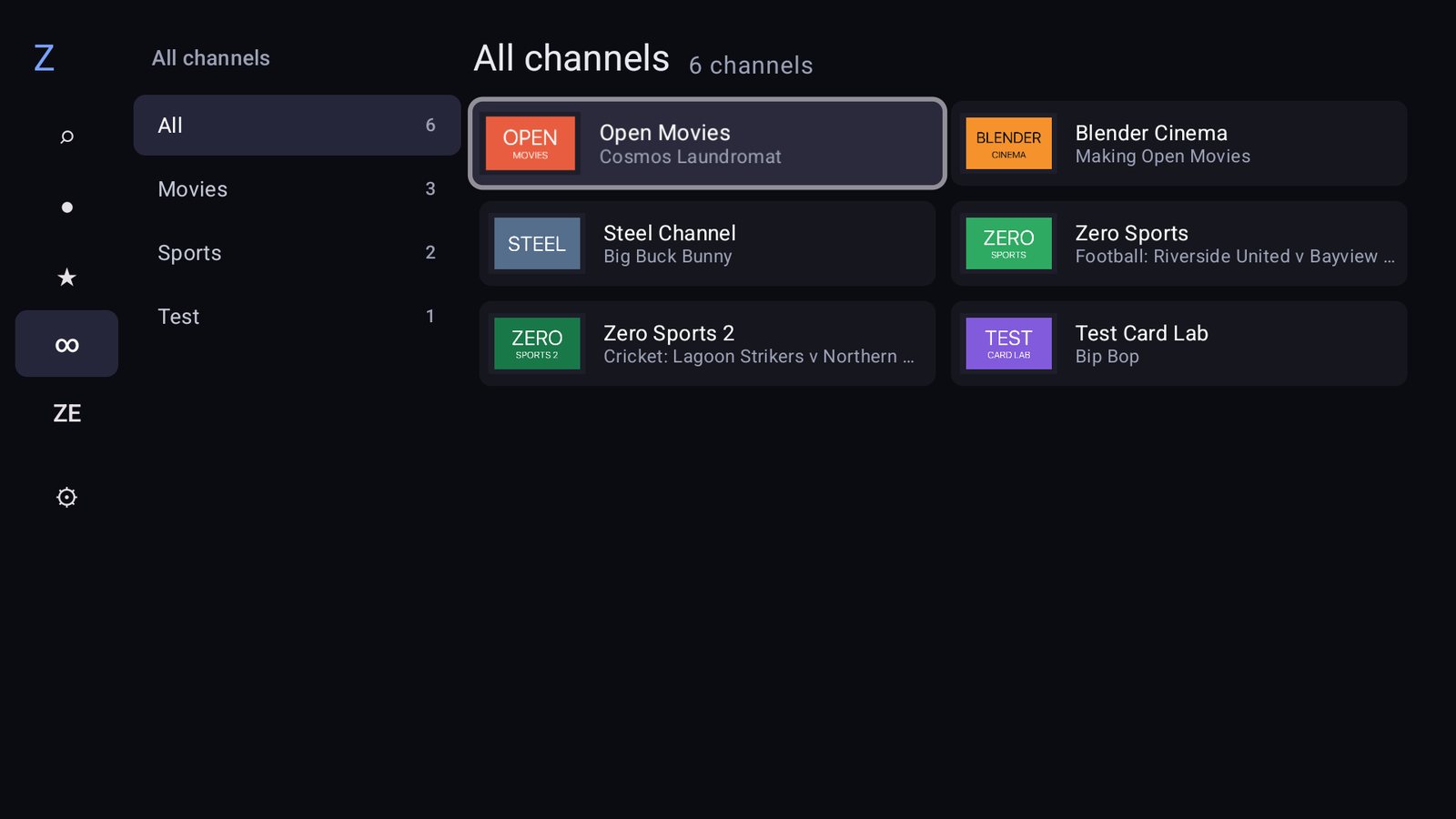
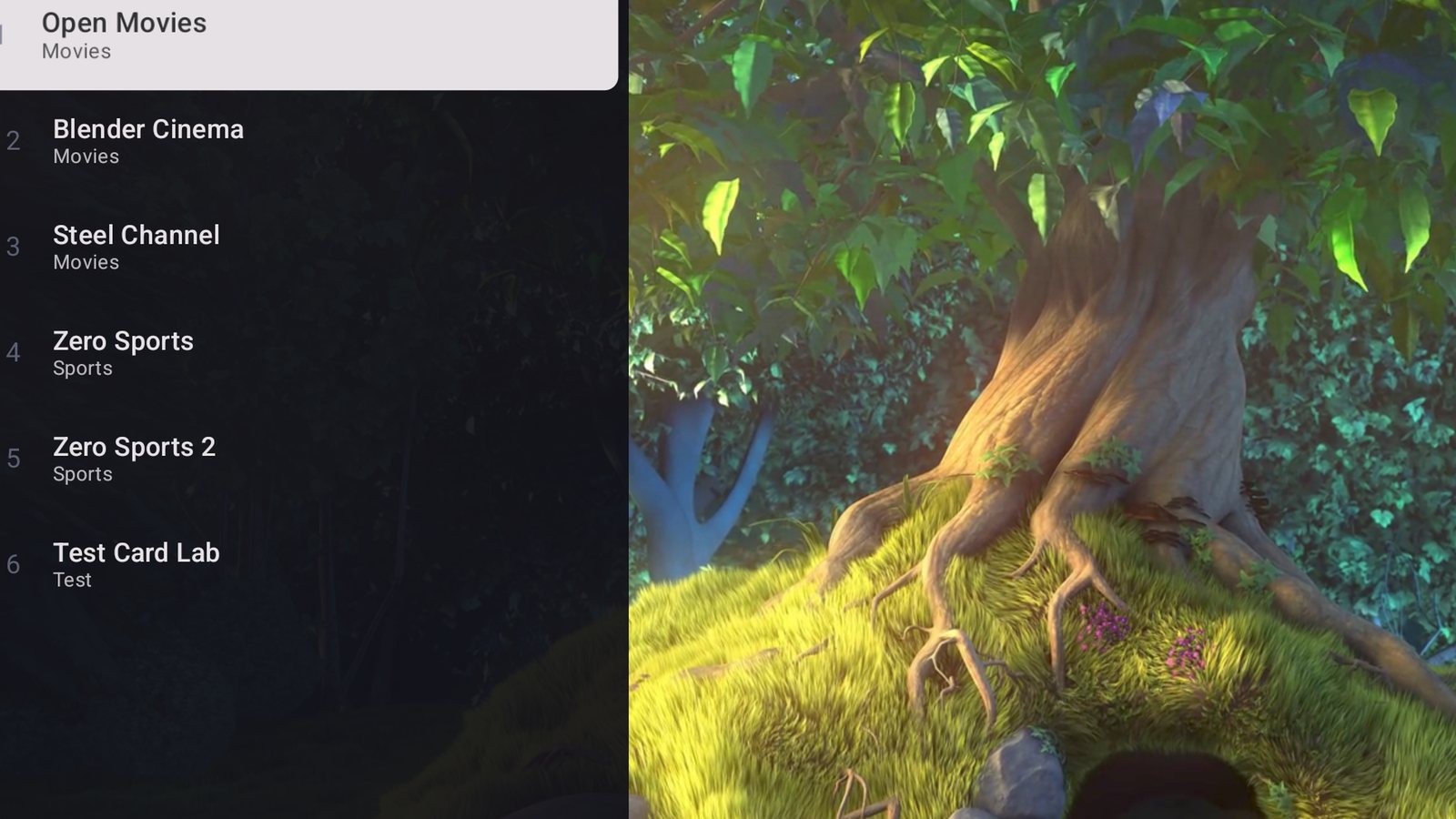
Zap with a preview wheel, jump back to the previous channel, and hold OK to favourite. Your favourites appear on the Android TV home screen.
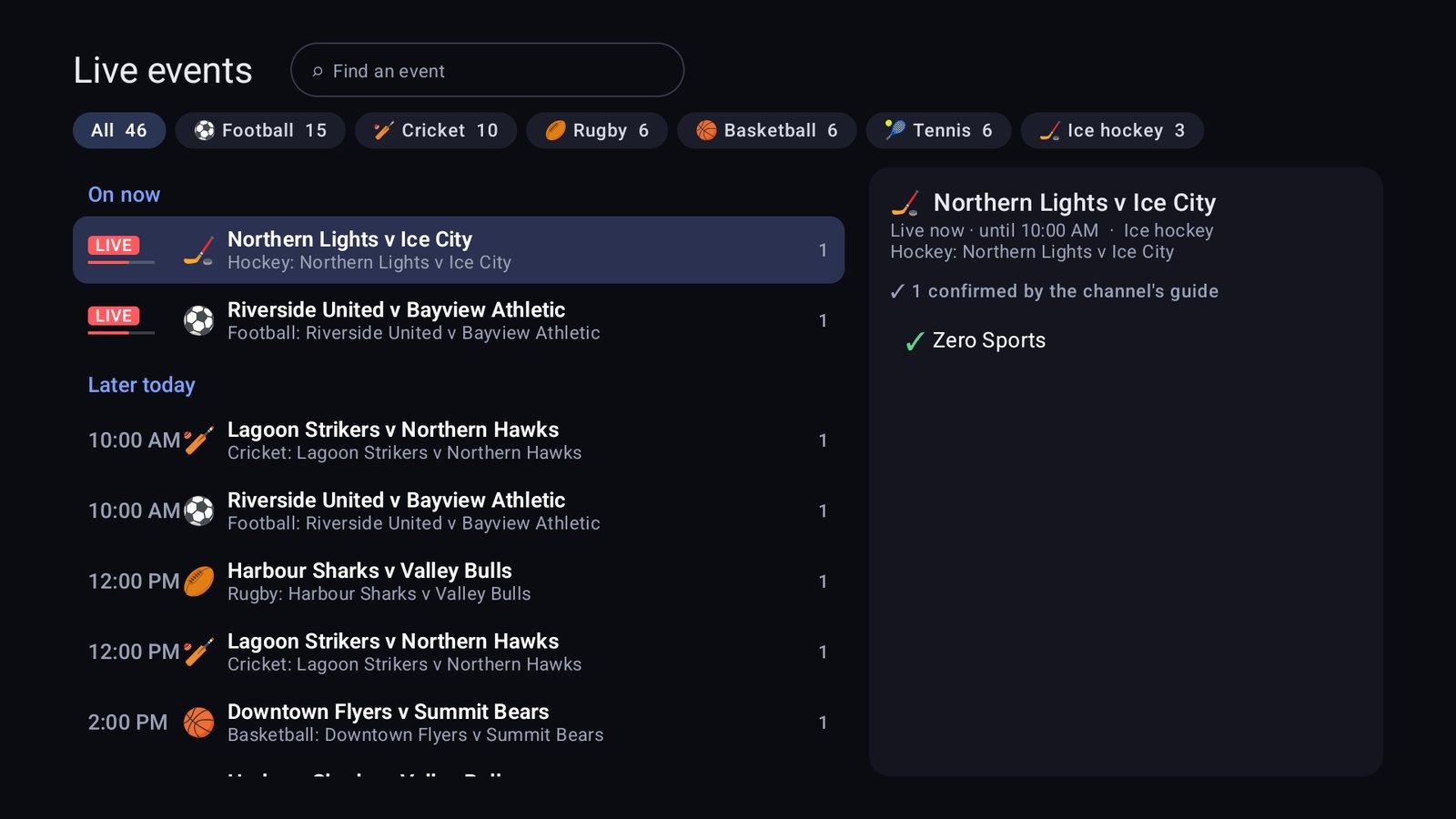
Live events
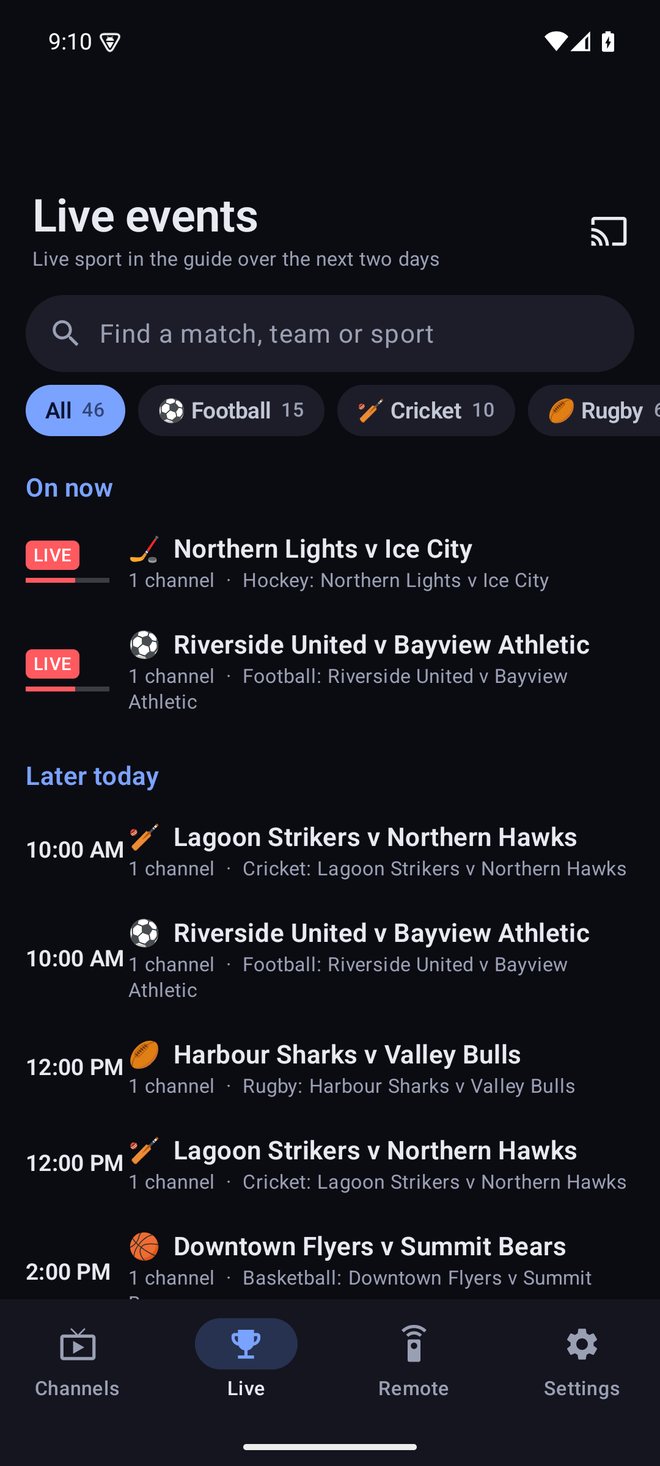
Live sport pulled from the guide and grouped across channels, with filters by sport. Find the match, not the channel.
A real programme guide
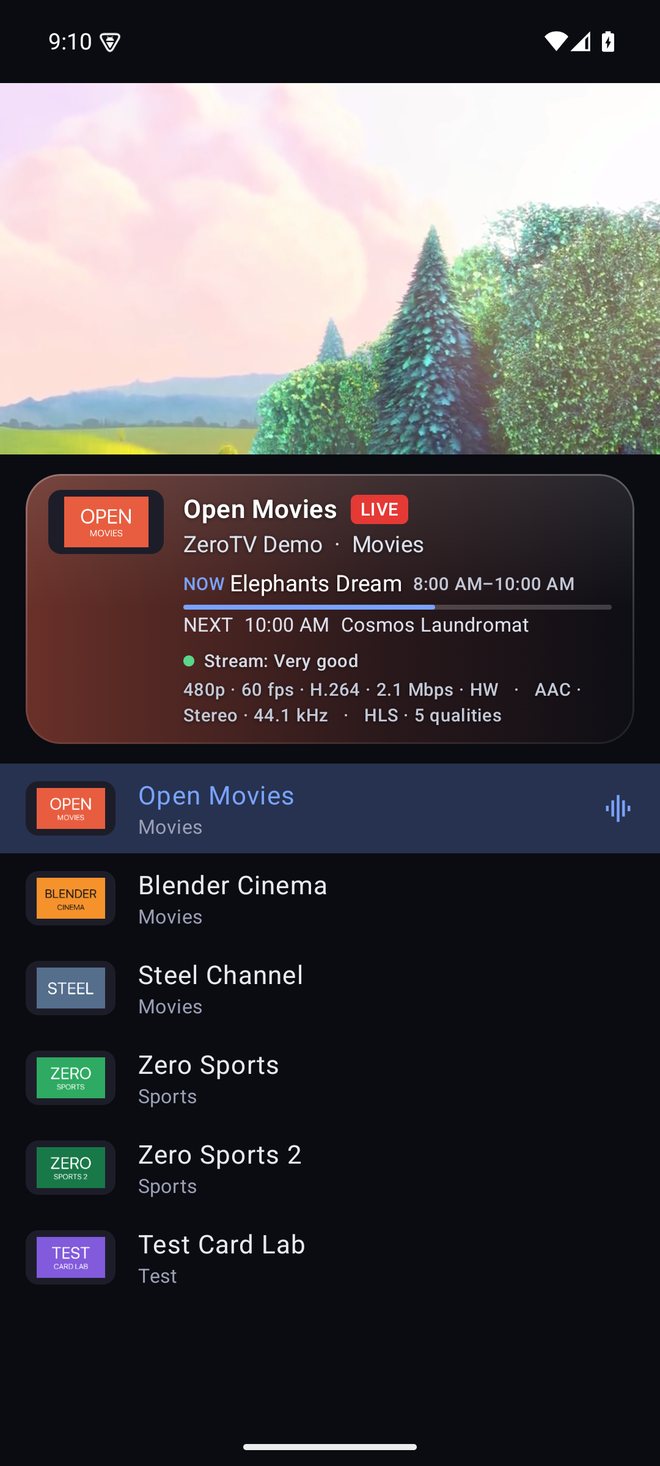
Now and next everywhere, a two-day guide you can search, and any XMLTV link to fill the gaps in your provider's listings.
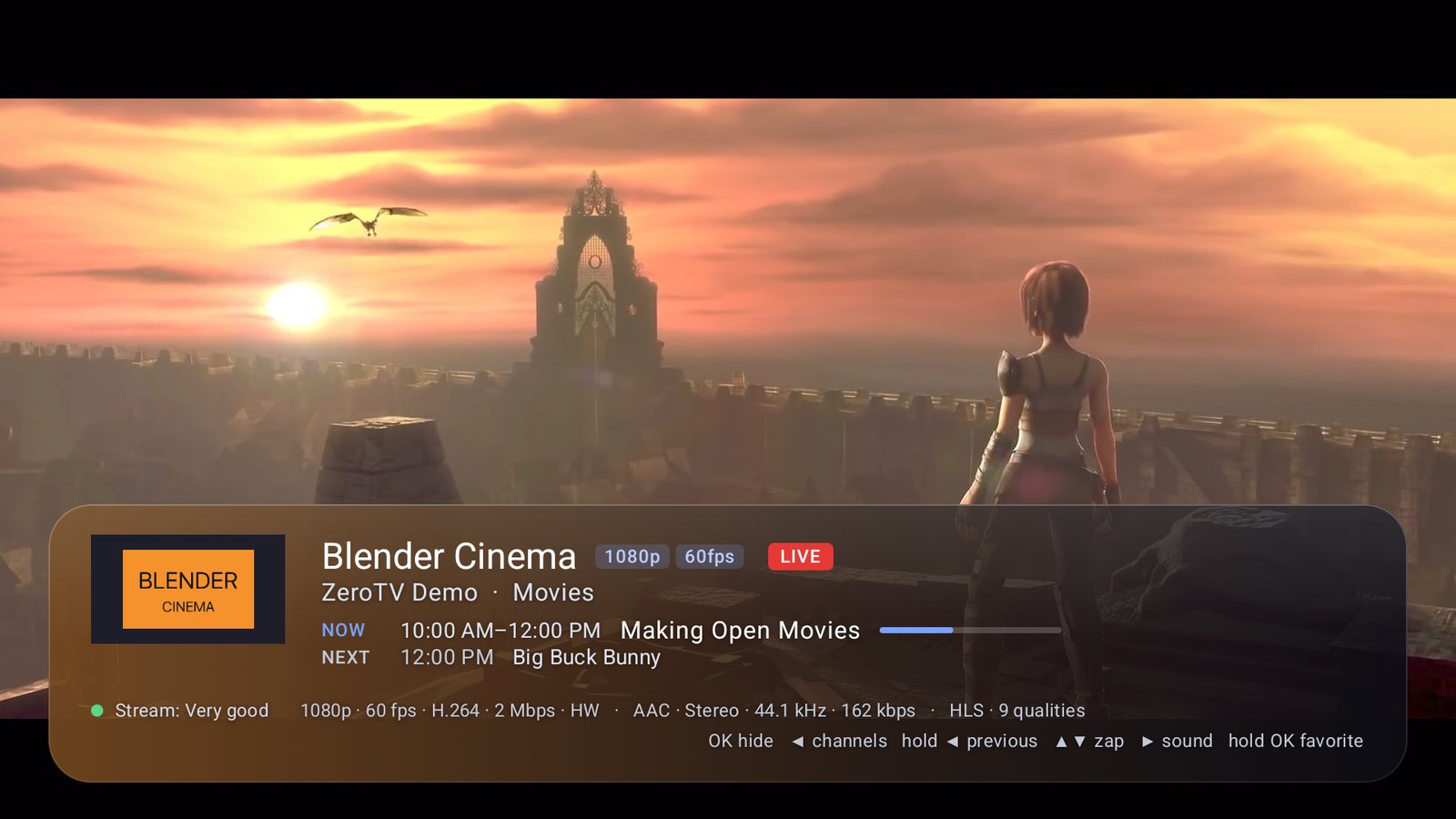
Smooth picture
Frame-rate matching for judder-free sport and films, with stream health shown in plain words.
Sound that fits
Dolby and DTS labels, plus a sports 5.1 mode that keeps the commentary in the centre and the crowd around you.
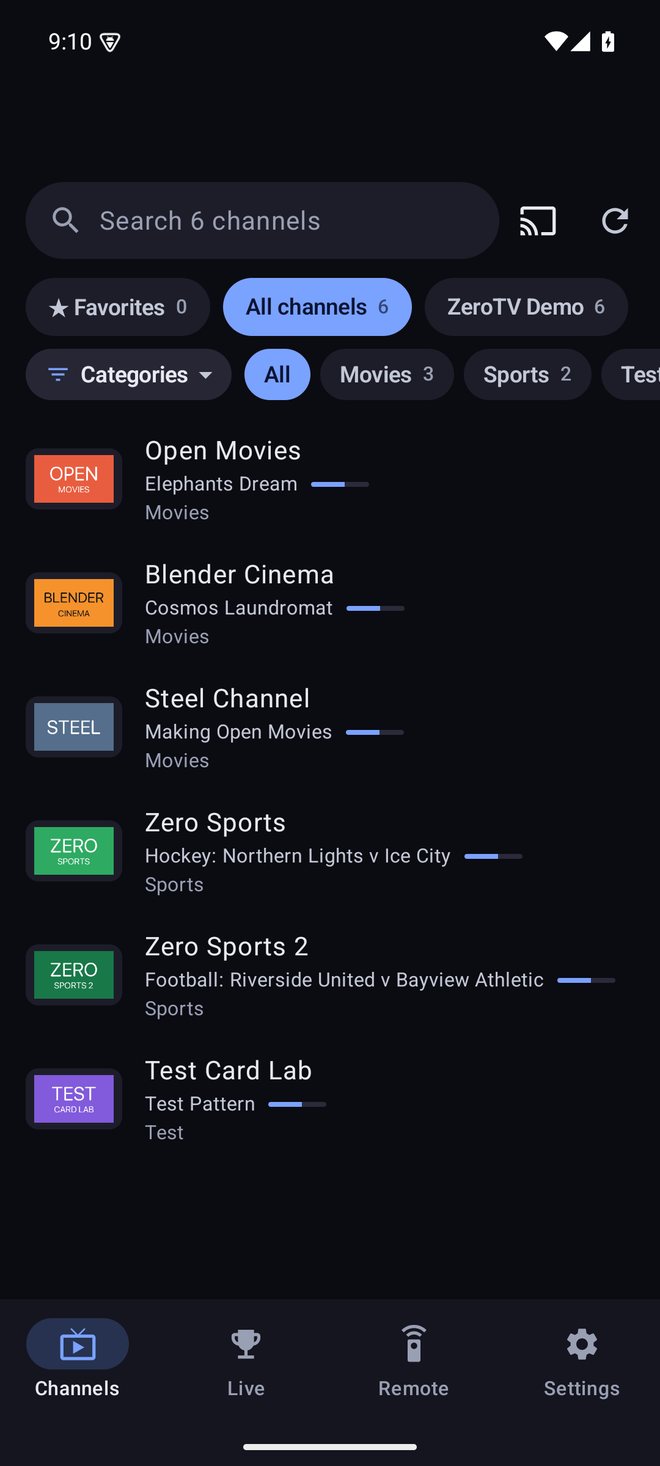
Your phone, the remote
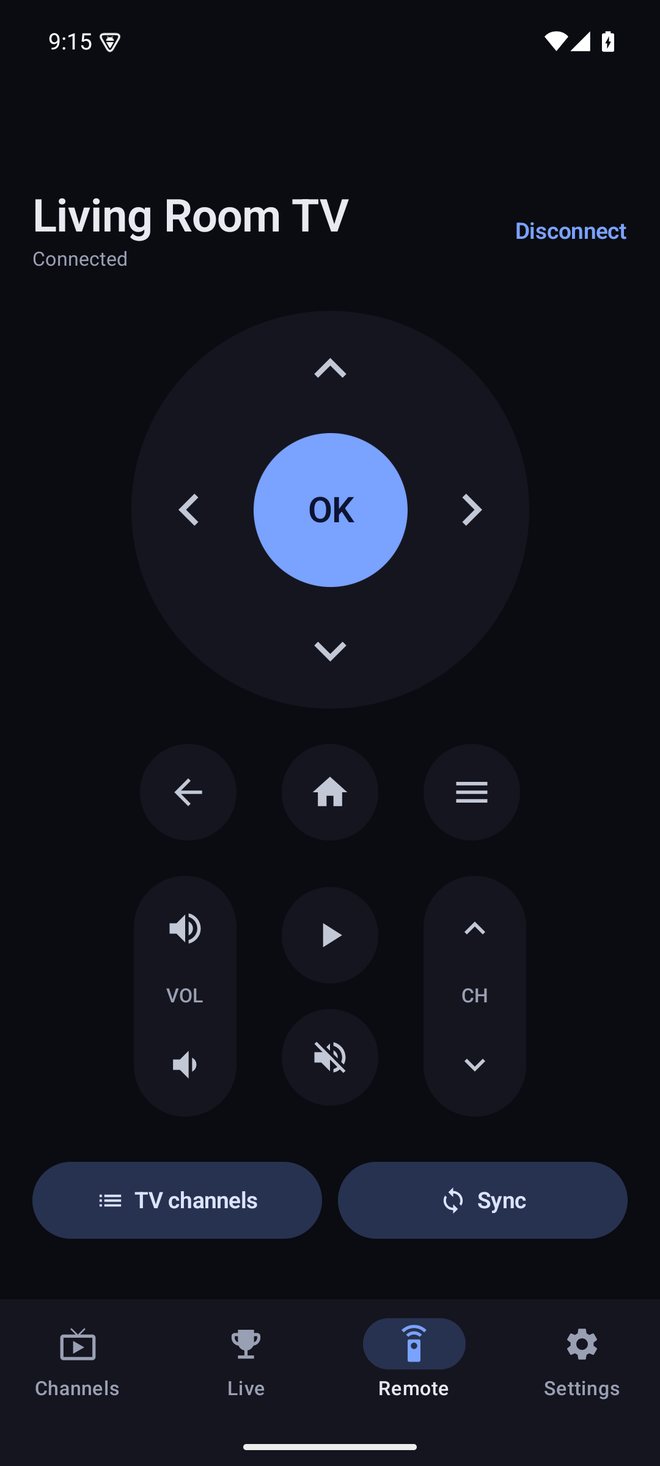
Pair once with a 6-digit code. Then control the TV, type searches, and send playlists from your phone.
Cast anything
Send a channel to a Chromecast or Google TV. When a stream can't play there directly, your phone relays it.
Private by design
No account, no ads, no analytics. Your logins stay on your devices, and backups are encrypted with your own passphrase. Privacy policy